The plant list is a spreadsheet of every plant line on a job. Use it to book hire, send a list to a hire company, or check what the job needs before work starts.
Who can do this: owners, admins and office staff. Plan: Crew, Business or Pro.
Before you start: the job needs at least one plant line on a line item. Until it has one, the download button is greyed out. See Build a Job Up: Job Items and Line Items.
Download the list
- Open the job and click the Finance tab.
- Under Outgoings, click Plant Budget.
- Click Download plant list.
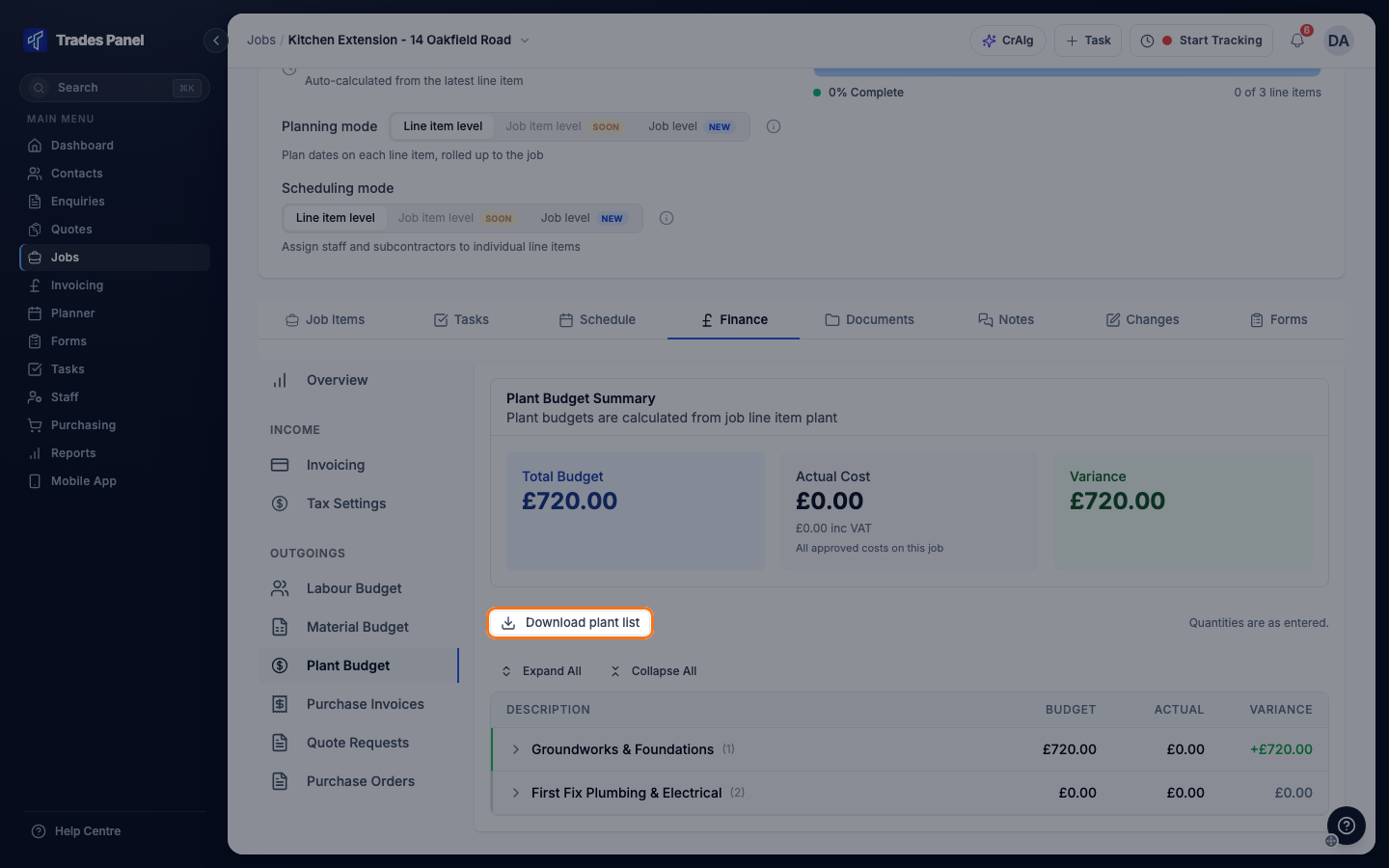
The file downloads straight away as an Excel workbook named plant- followed by the job
number and the date, for example plant-J000123-2026-11-18.xlsx.
What is in the file
The workbook has two sheets. Both start with your company name, the job number and title, and the date it was downloaded.
Plant list
One row for each item of plant, added up across every job item on the job. The columns are Code, Plant, Total qty, Unit cost, Total cost and Used in job items.
- Lines that use the same plant preset are combined into one row. Plant typed in by hand is combined when the names match exactly.
- Code comes from the plant preset. Plant typed in by hand has no code.
- Unit cost and Total cost are your cost price, not the price you charge. If the same plant has different costs on different lines, Unit cost lists each cost, highest first, followed by "(varies)".
- Used in job items lists the job items the plant appears on, for example "Item #1, Item #3".
- Rows are sorted by Total cost, highest first, with a Total row at the bottom.
Quantities are added up exactly as they were entered. Plant has no unit of measure, so check that lines being combined use the same unit, for example days or weeks. The quantity on the Total row adds every item of plant together and is not a meaningful figure.
By job item
One row for every plant line on the job, in the order it appears on each line item. The columns are Item #, Job item, Line item, Code, Plant, Qty, Unit cost, Total cost, Unit price and Total price.
This is the only sheet that shows your sell prices (Unit price and Total price). It ends with a Total row.
What the list includes
- Plant on every job item, whatever its status.
- Plant from change orders once the change order has been applied. See Approve and Apply a Change Order.
- Totals exactly as they are saved on each line, with no VAT added. They match the budget on the Plant Budget page.
It does not include plant hire you have booked or what you have actually spent. Hire records and the actual cost on the plant budget stay in Trades Panel. See Labour, Material and Plant Budgets.
Amounts use your account's currency.
If the download does not start
- The button is greyed out: the job has no plant yet. Add plant to a line item, then come back to Plant Budget.
- "Nothing to export": the plant was removed since the page loaded. Refresh the page.
- "Failed to download plant list": try again. If it keeps failing, contact support.
Related articles
- Download a Job's Materials List - the job's materials as a spreadsheet
- Download a Job's Labour List - the job's labour as a spreadsheet
- Set Up Labour, Material and Plant Presets - set the code and name that group the plant list
- Labour, Material and Plant Budgets - budget against actual per line