Help Center
Find guides and tutorials to help you get the most out of our platform
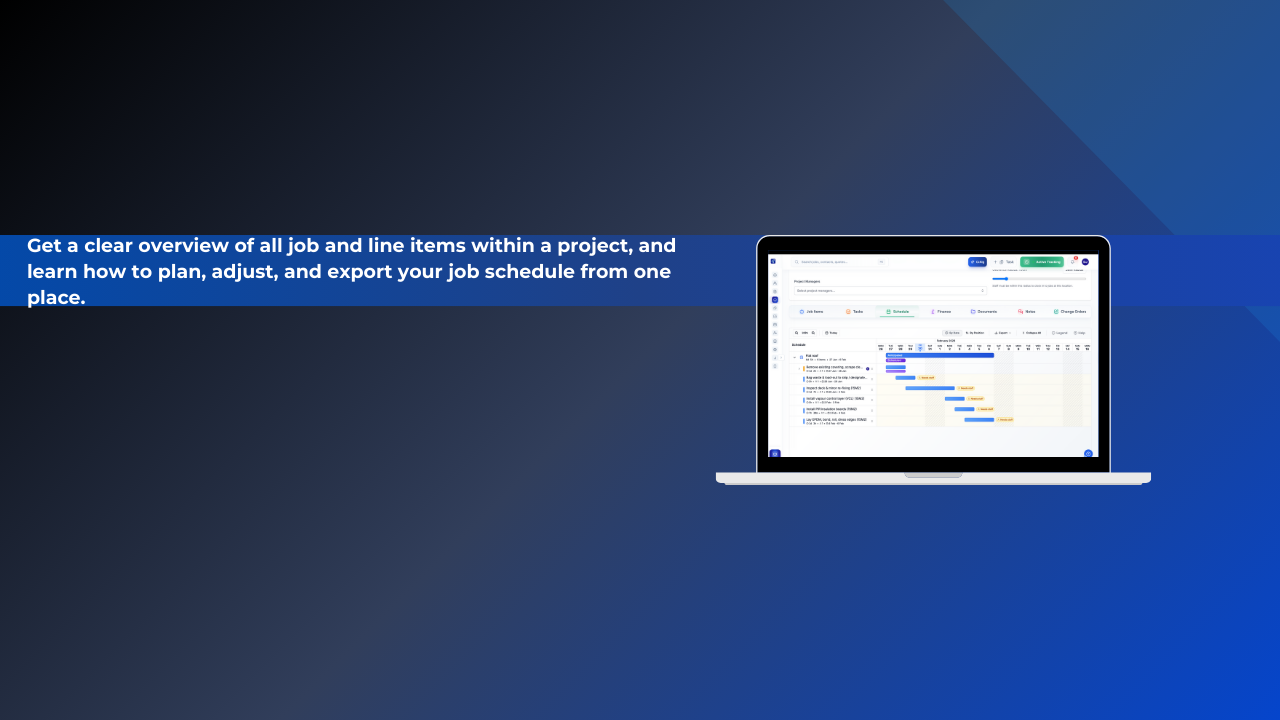
Understanding the Job Schedule View
Get a clear overview of all job and line items within a project, and learn how to plan, adjust, and export your job schedule from one place.
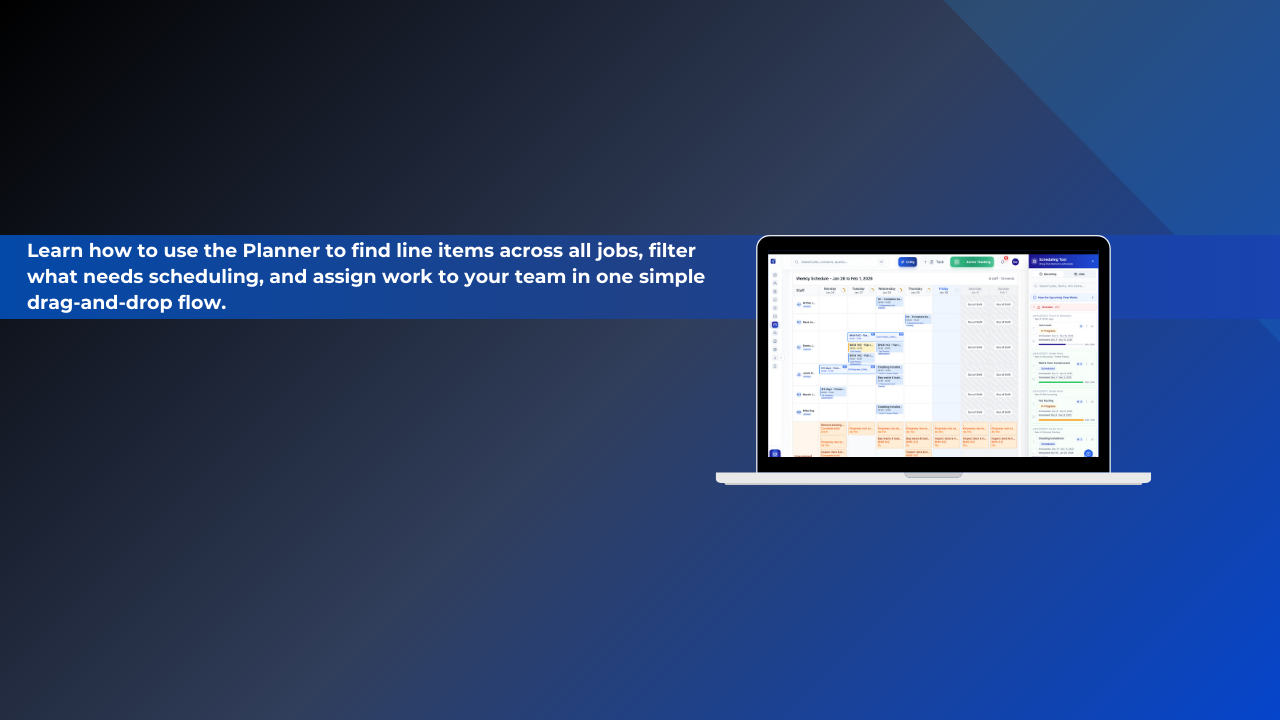
How to Schedule and Assign Work Using the Planner
The Planner allows you to schedule and assign work across all jobs by dragging line items directly onto your team’s schedule. It gives you full visibility of outstanding work and helps you keep projects moving without clashes or missed tasks.
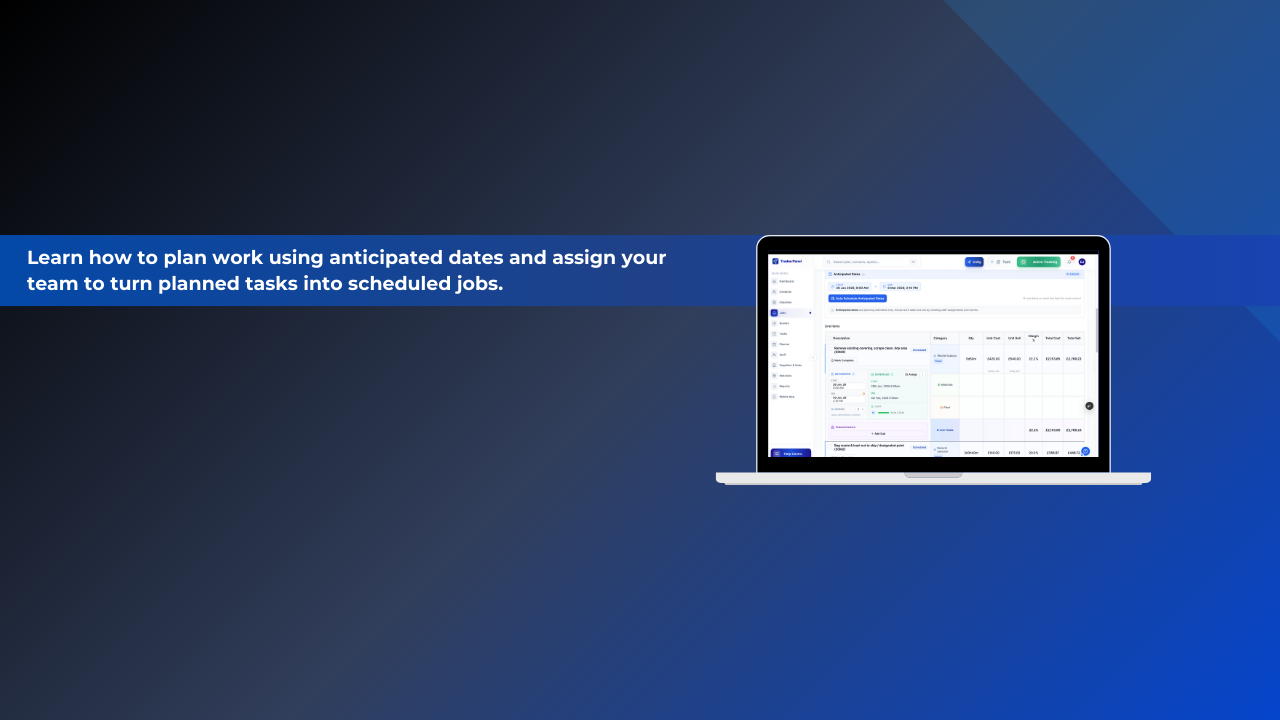
Understanding Job Scheduling & Anticipated Dates
Learn how to plan work using anticipated dates and assign your team to turn planned tasks into scheduled jobs
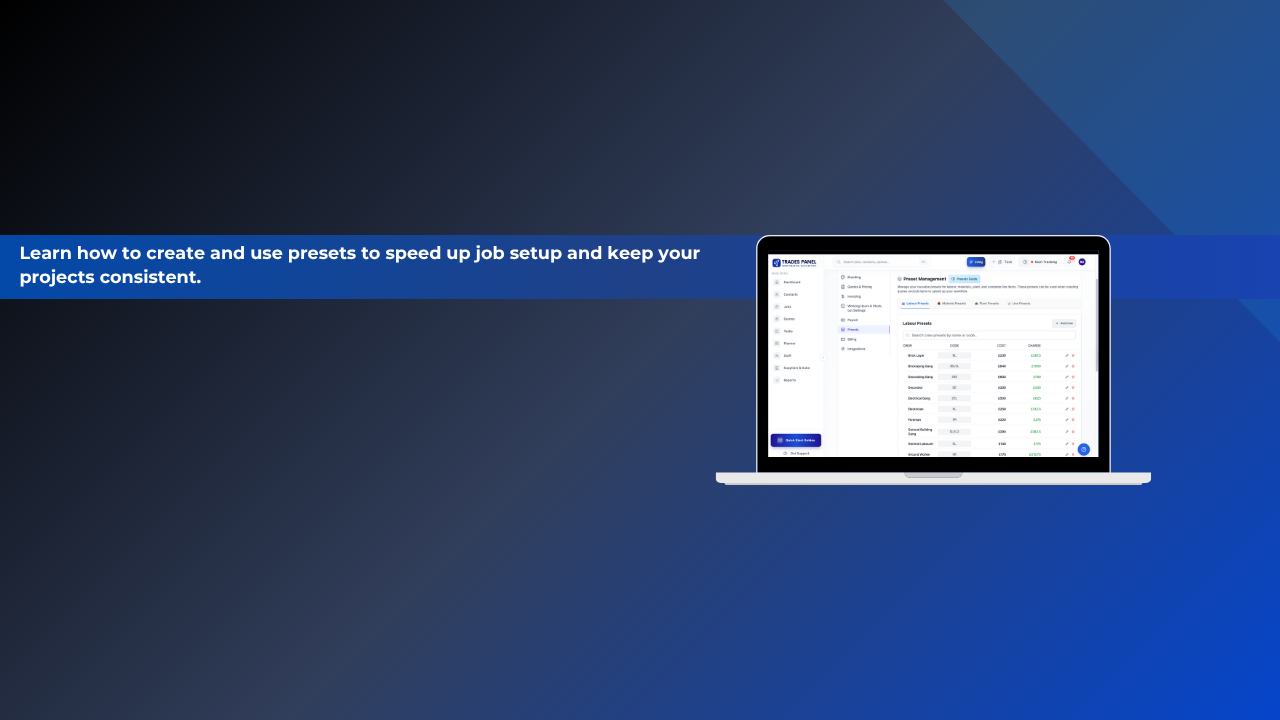
Creating & Managing Presets
Presets are reusable templates for common items, resources, and work packages that you frequently use in your construction projects.
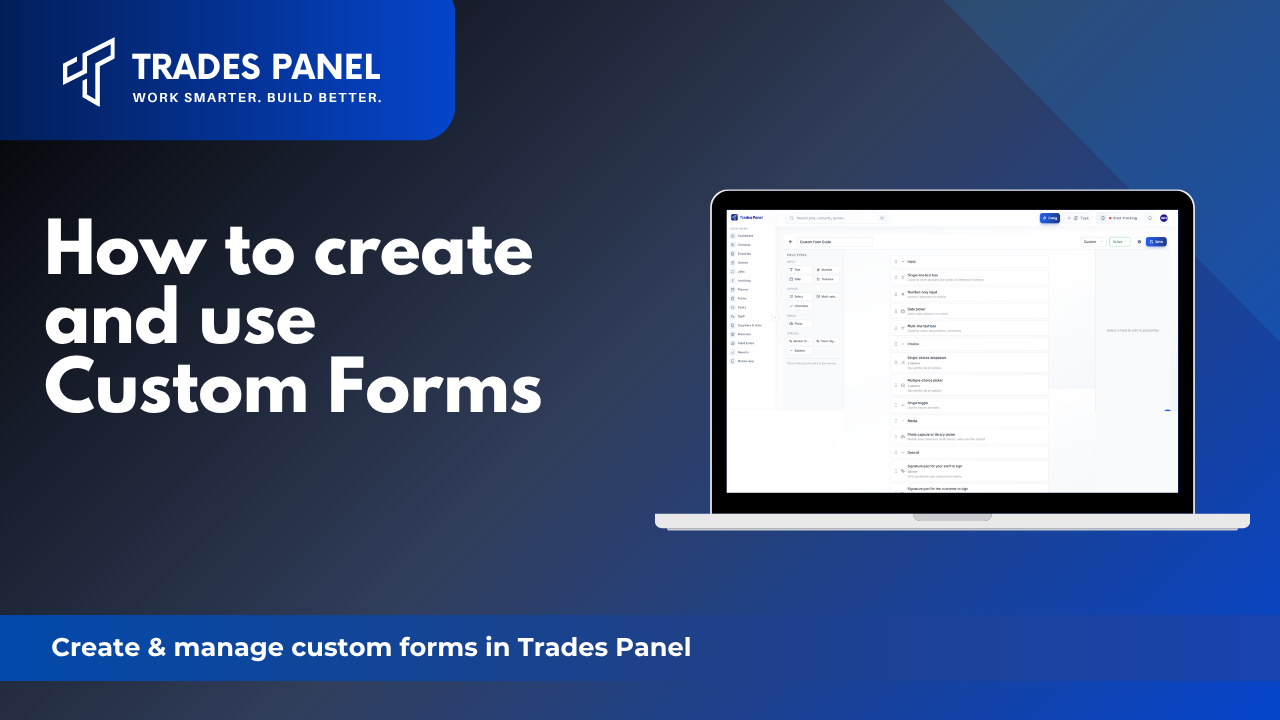
Custom Forms Guide
Get the paper off site. Build your safety checks, RAMS sign-offs and handover sheets once, attach them to a job, and your team completes them on their phone - photos, signatures and timestamps included.
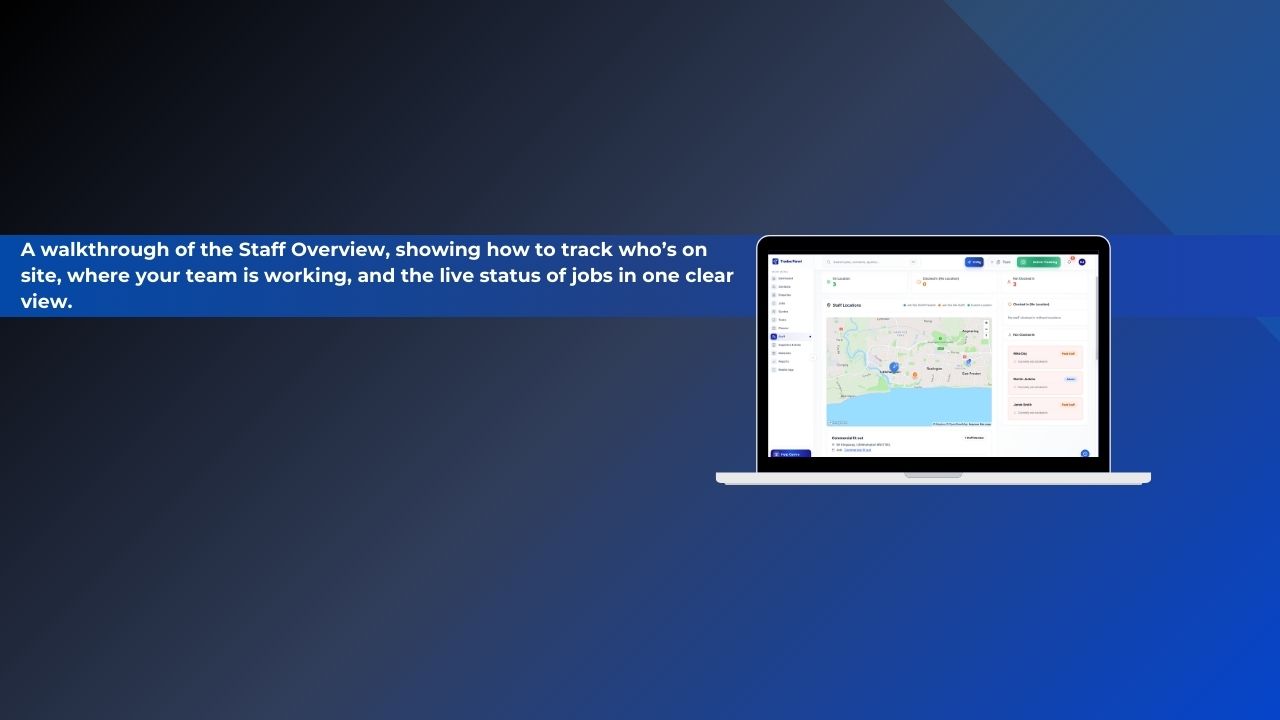
Understanding the Staff Overview
A walkthrough of the Staff Overview, showing how to track who’s on site, where your team is working, and the live status of jobs in one clear view.
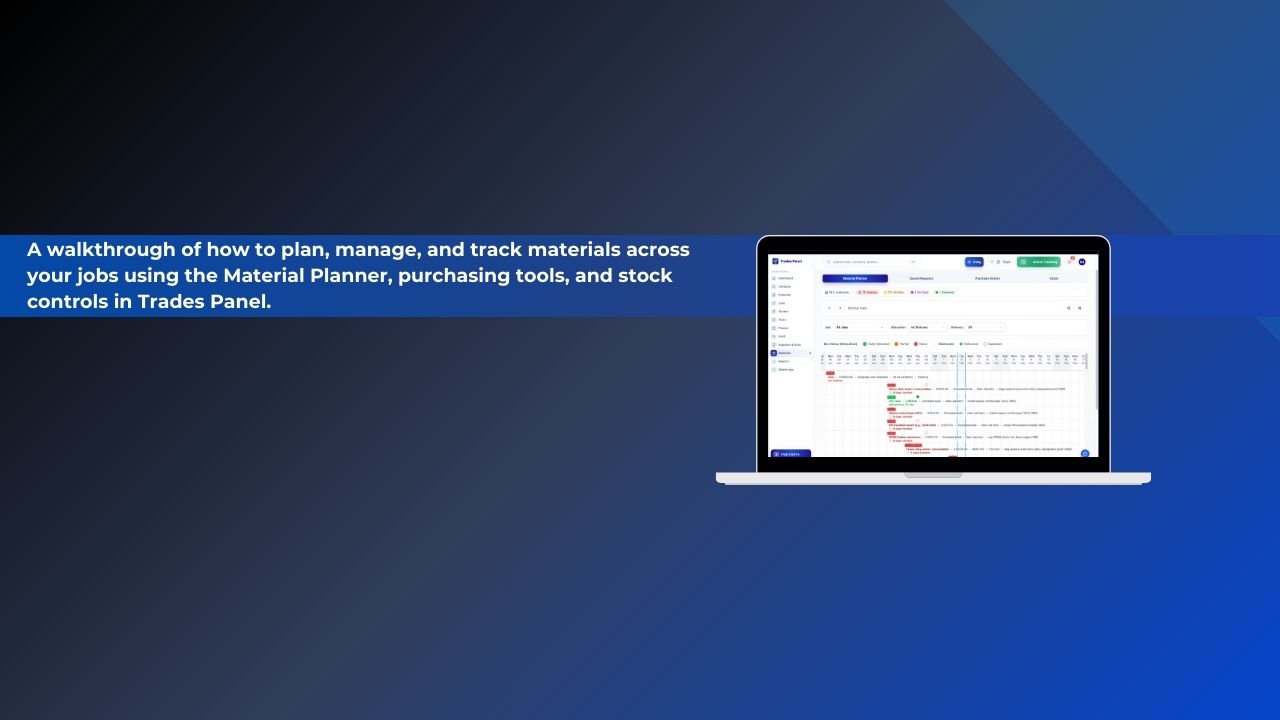
Understanding the Materials Section
A walkthrough of how to plan, manage, and track materials across your jobs using the Material Planner, purchasing tools, and stock controls in Trades Panel.
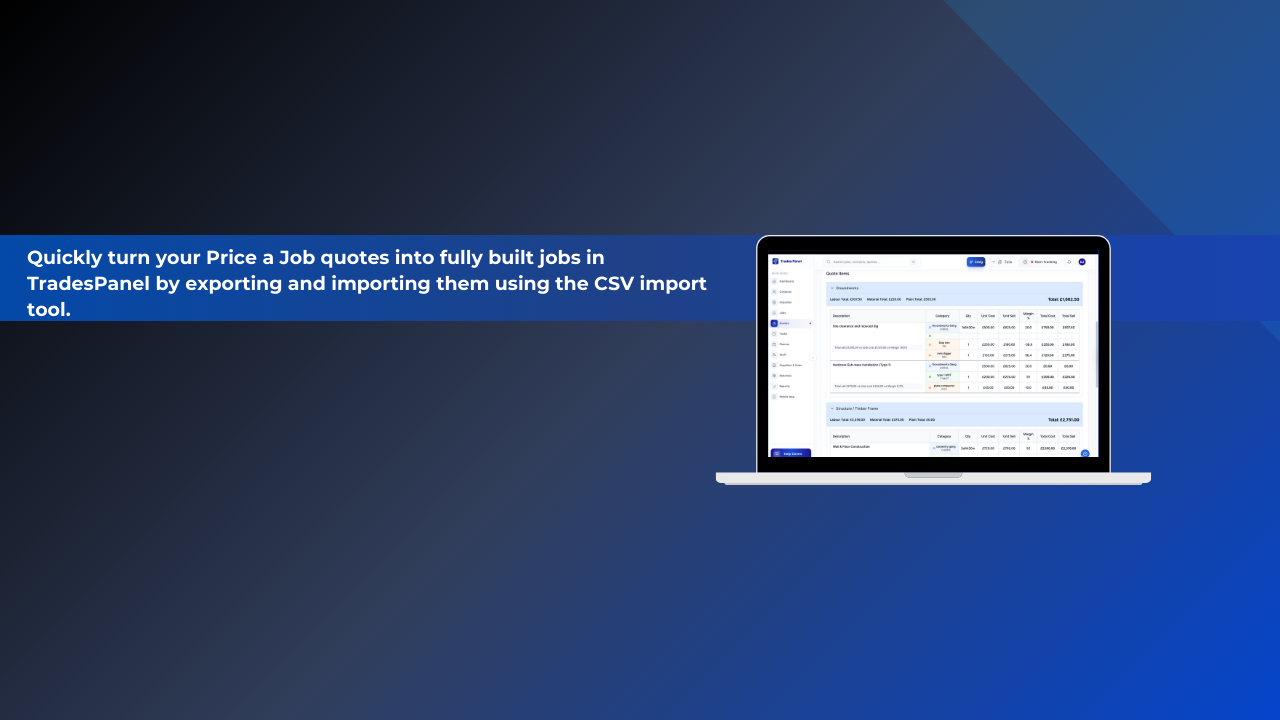
Importing Price a Job Quotes into Trades Panel
Quickly turn your Price a Job quotes into fully built jobs in Trades Panel by exporting and importing them using the CSV import tool.
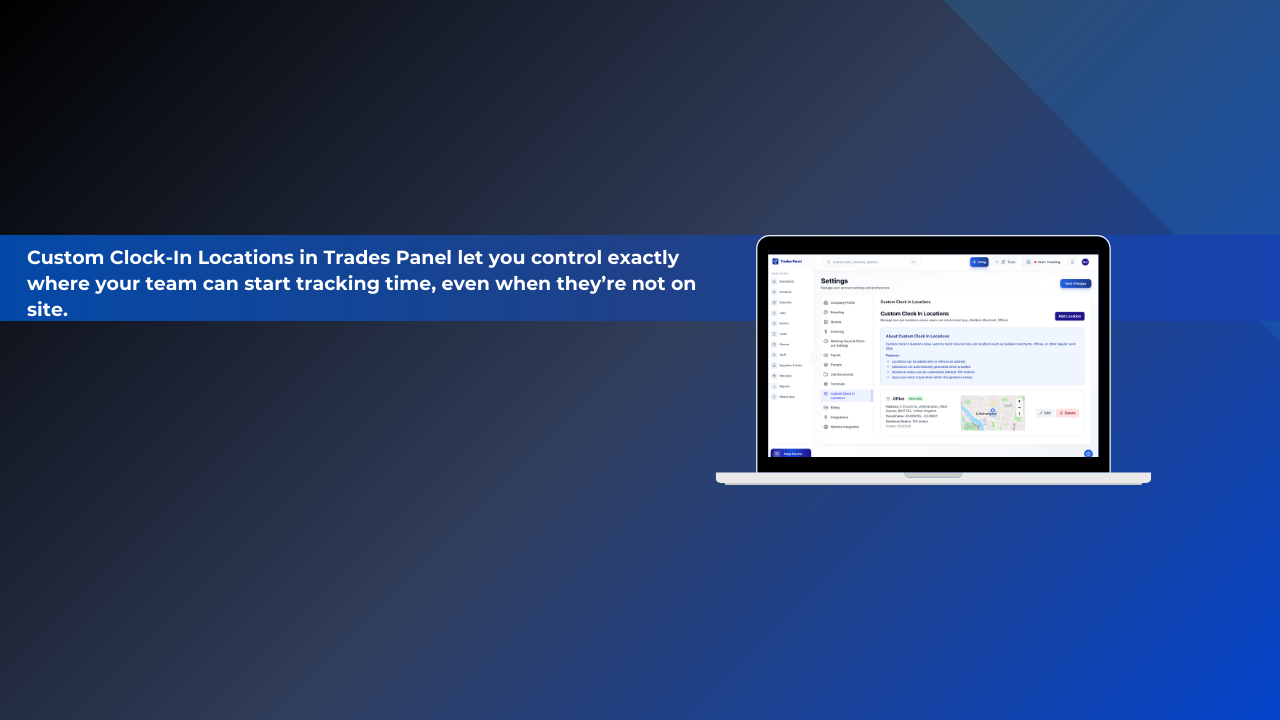
Custom Clock In Locations
Custom Clock-In Locations in Trades Panel let you control exactly where your team can start tracking time, even when they’re not on site.
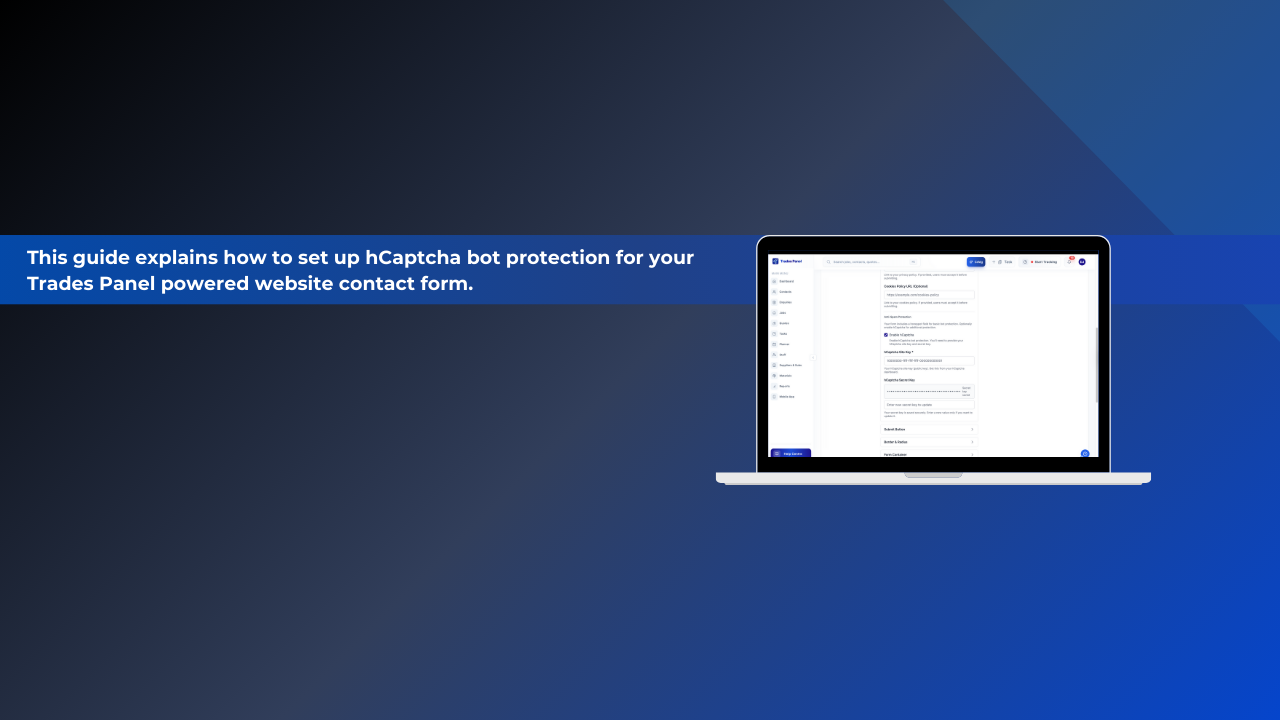
hCaptcha Integration Setup Guide
This guide explains how to set up hCaptcha bot protection for your Trades Panel powered website contact form.
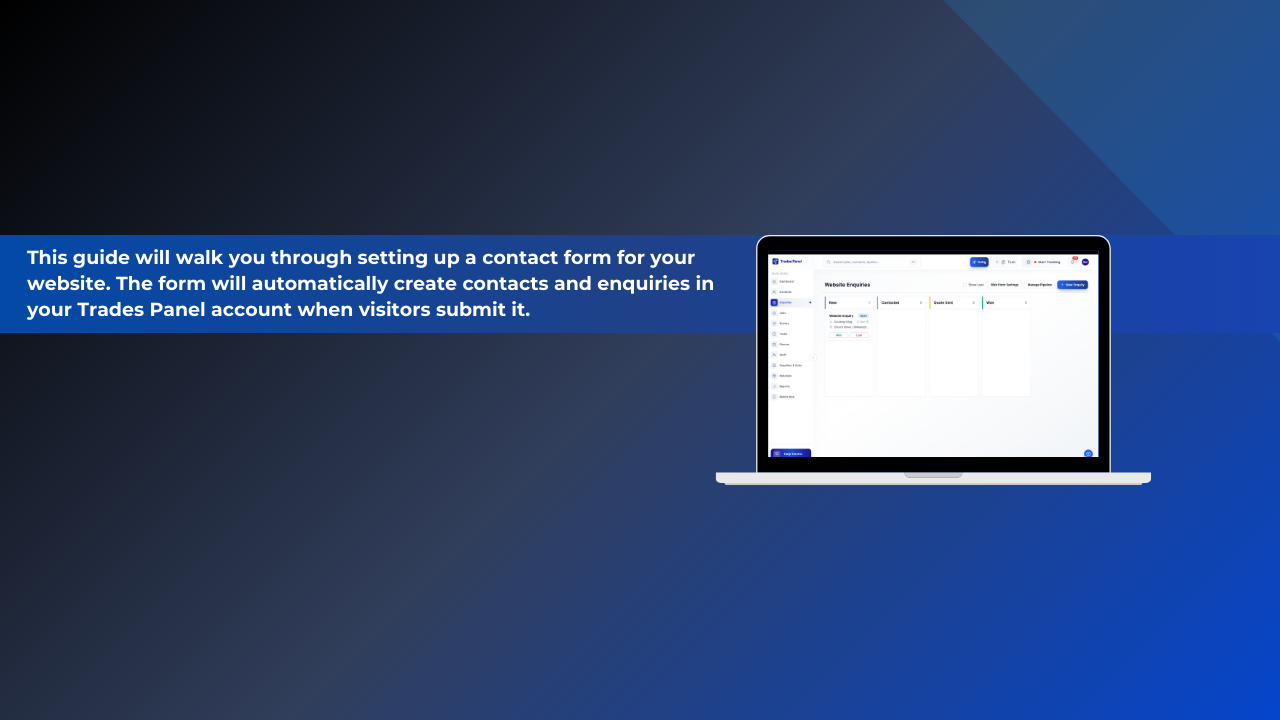
Website Contact Form Setup Guide
This guide will walk you through setting up a contact form for your website. The form will automatically create contacts and enquiries in your Trades Panel account when visitors submit it.
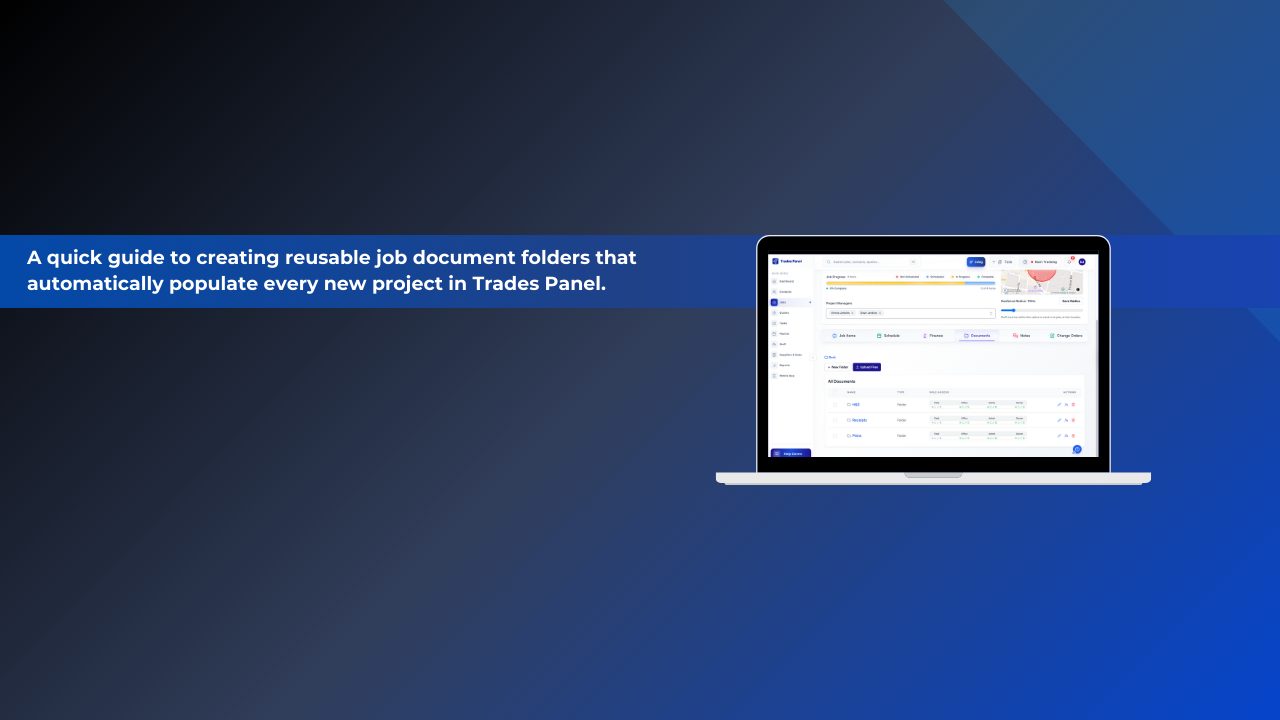
Setting Up Job Document Templates
A quick guide to creating reusable job document folders that automatically populate every new project in Trades Panel.
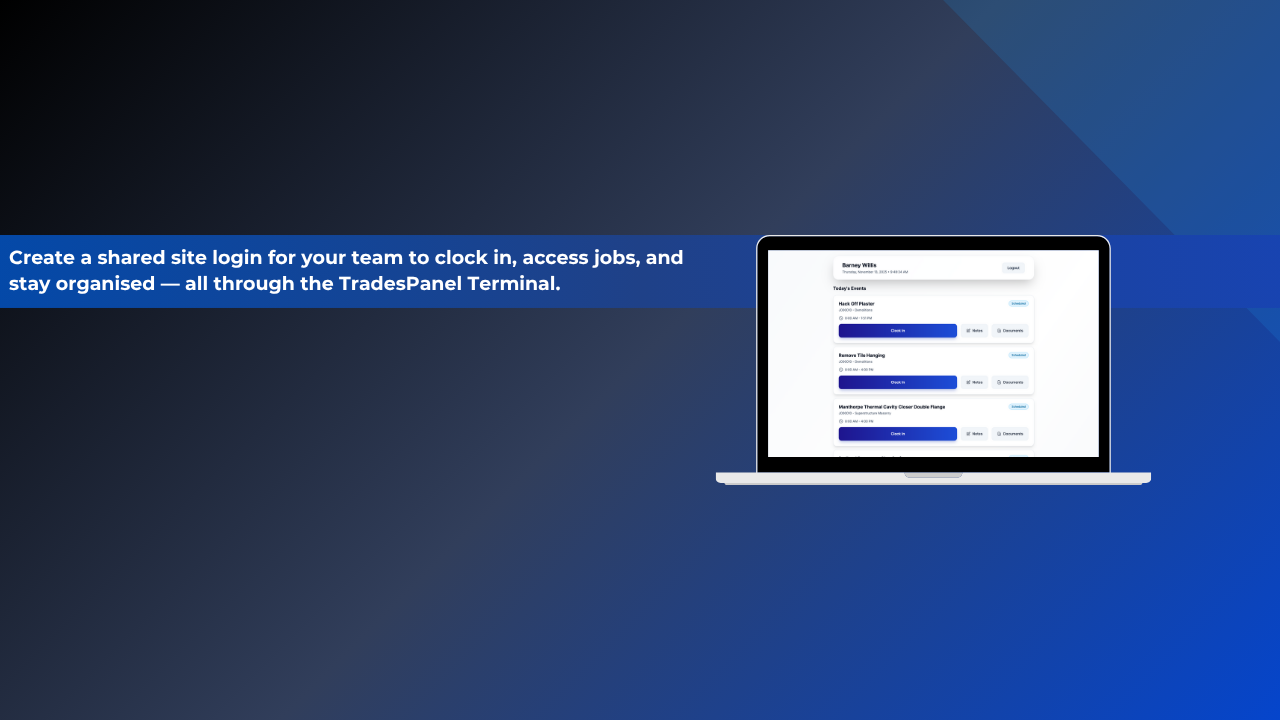
How to Set Up and Use the Terminal in Trades Panel
In this walkthrough, you’ll learn how to set up a shared terminal, connect it with your Trades Panel account, and enable your team to clock in, view jobs, and stay organised on-site.
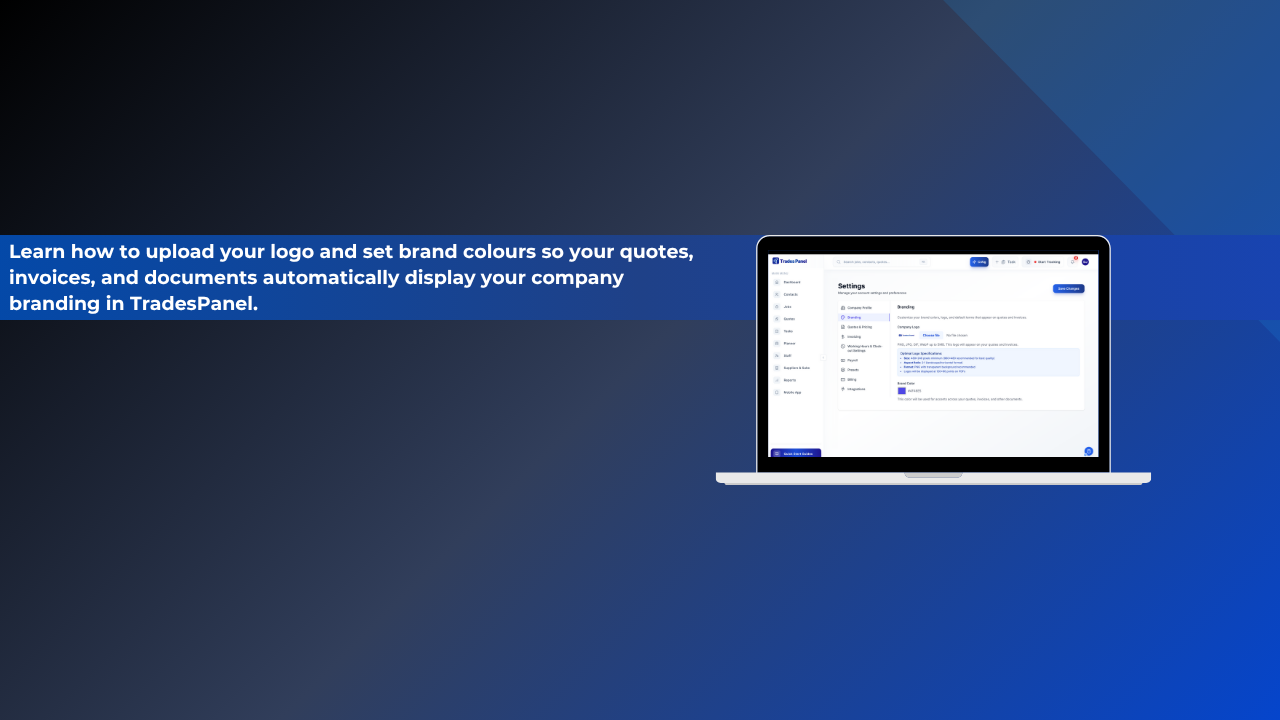
How to Add Your Company Branding to PDFs
In this quick tutorial, we’ll show you how to upload your logo, set your brand colour, and apply these settings so your quotes, invoices, and payment schedules automatically match your company identity.
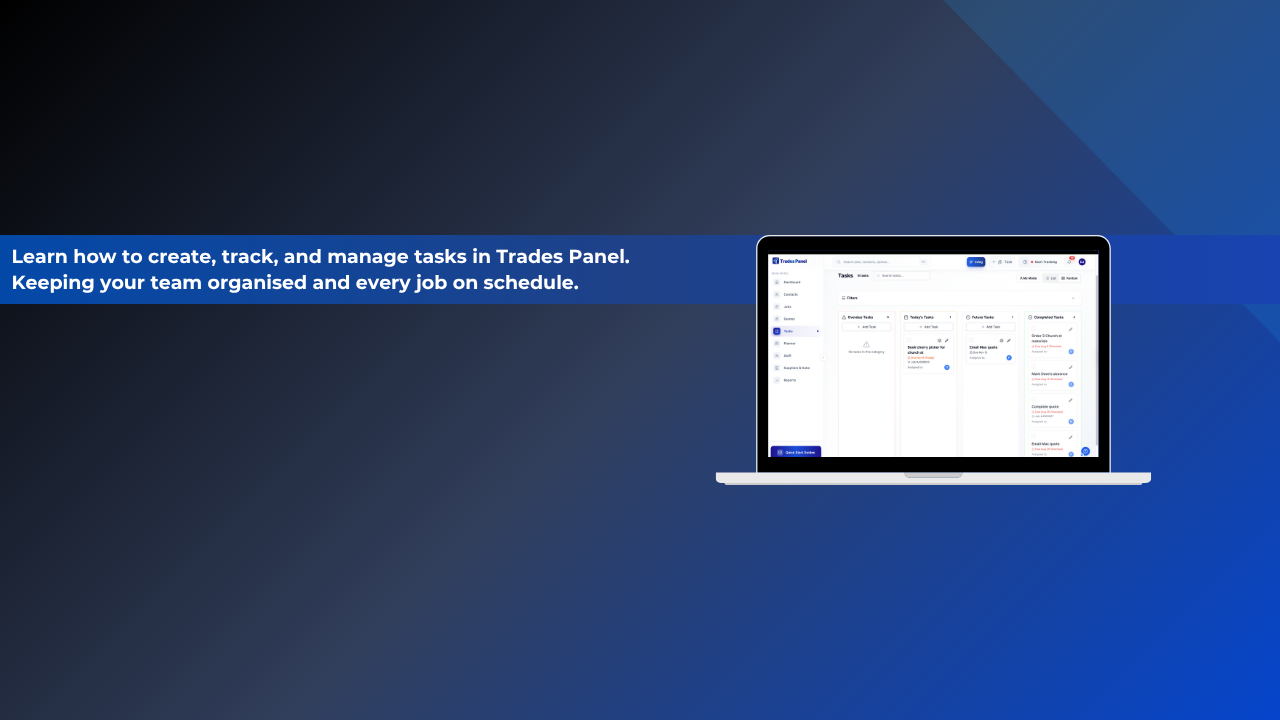
Managing Tasks
In this Trades Panel walkthrough, you’ll learn how to use the Tasks section to stay organised and manage workload across your entire business. From personal reminders to team-wide assignments, this feature helps you track progress and prioritise effectively.
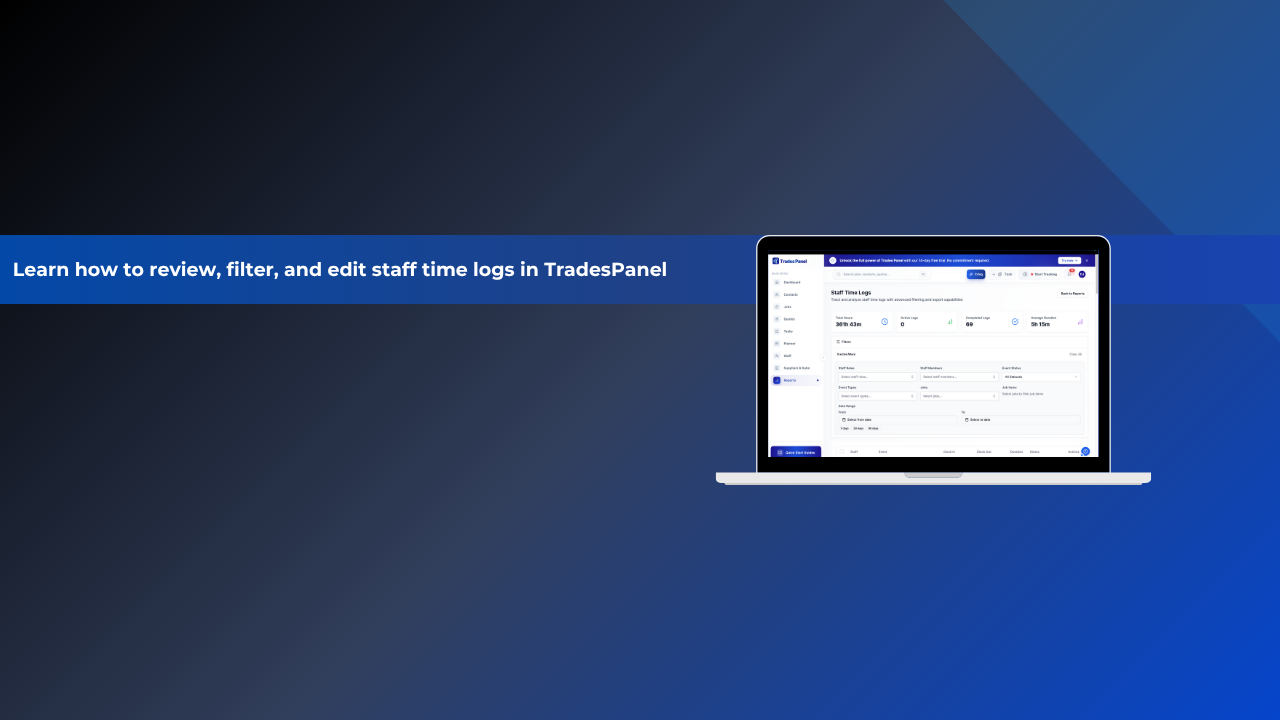
Understanding Staff Time Logs
In this Trades Panel walkthrough, you’ll learn how to use the Staff Time Logs report to track and manage your team’s recorded working hours.
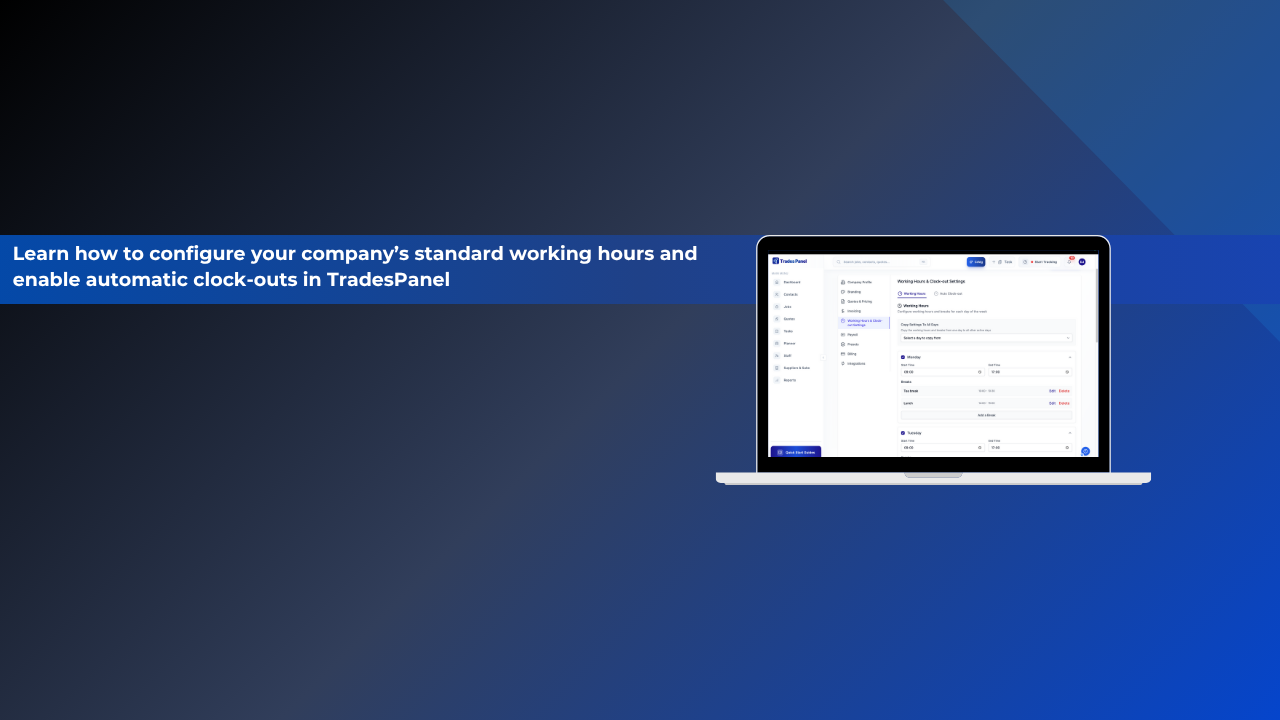
Setting Up Working Hours & Auto Clock Outs
In this Trades Panel walkthrough, you’ll learn how to set up your Working Hours and Auto Clock-Outs to manage your team’s schedule efficiently and ensure accurate time tracking across every project.
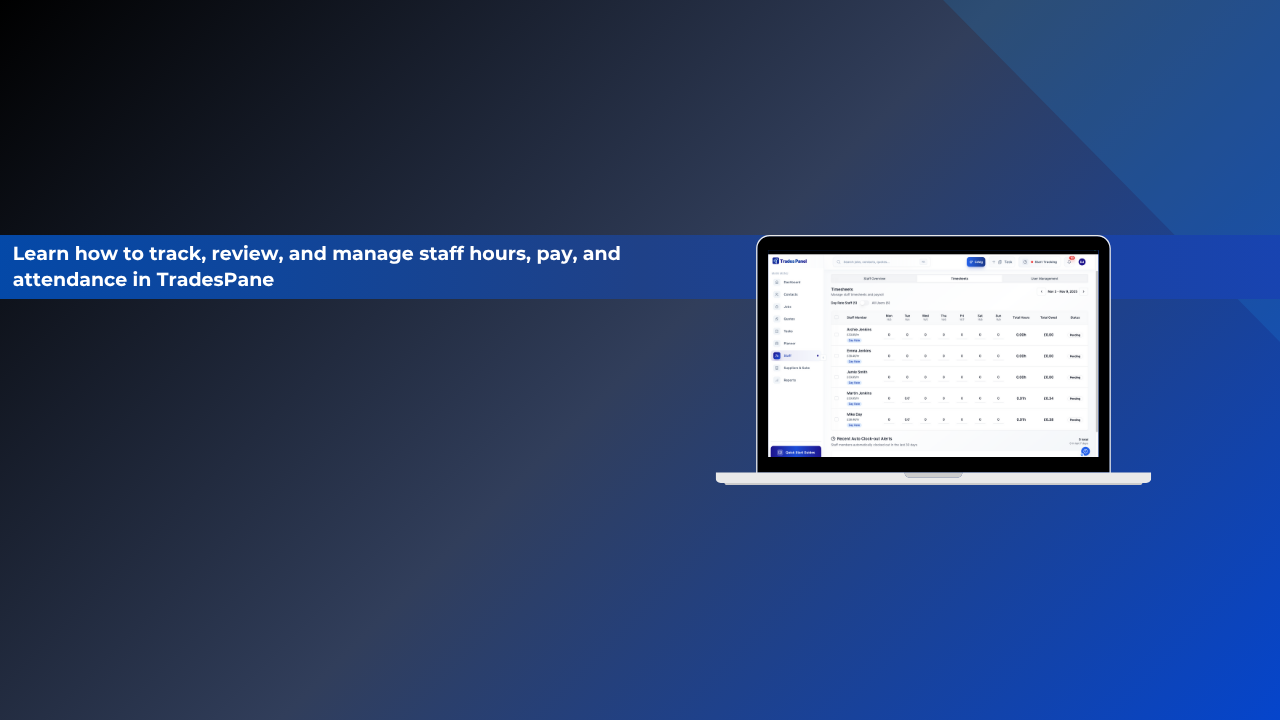
Understanding the Timesheets Tab
In this short Trades Panel walkthrough, you’ll learn how to review, edit, and manage staff timesheets. Giving you a clear view of hours worked, pay owed, and payment status, all from one screen.
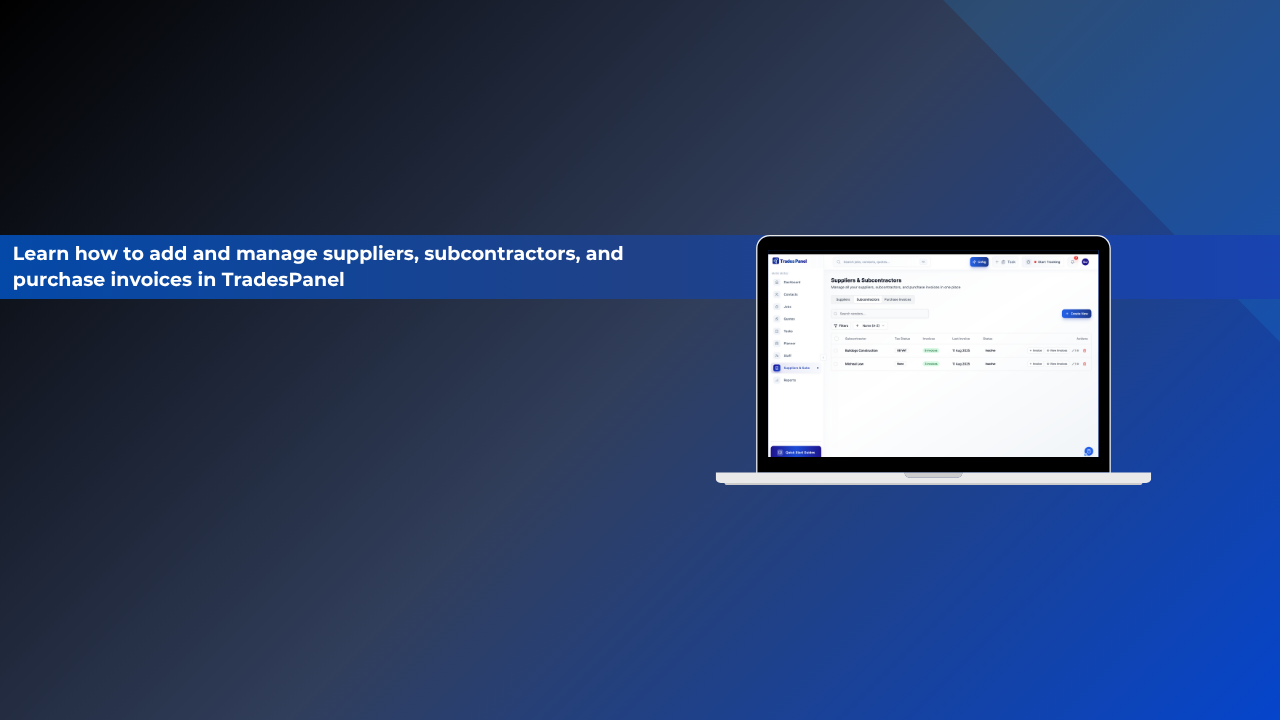
Understanding the Suppliers & Subs Tab
In this Trades Panel walkthrough, you’ll learn how to add, manage, and track your suppliers, subcontractors, and purchase invoices all in one place.
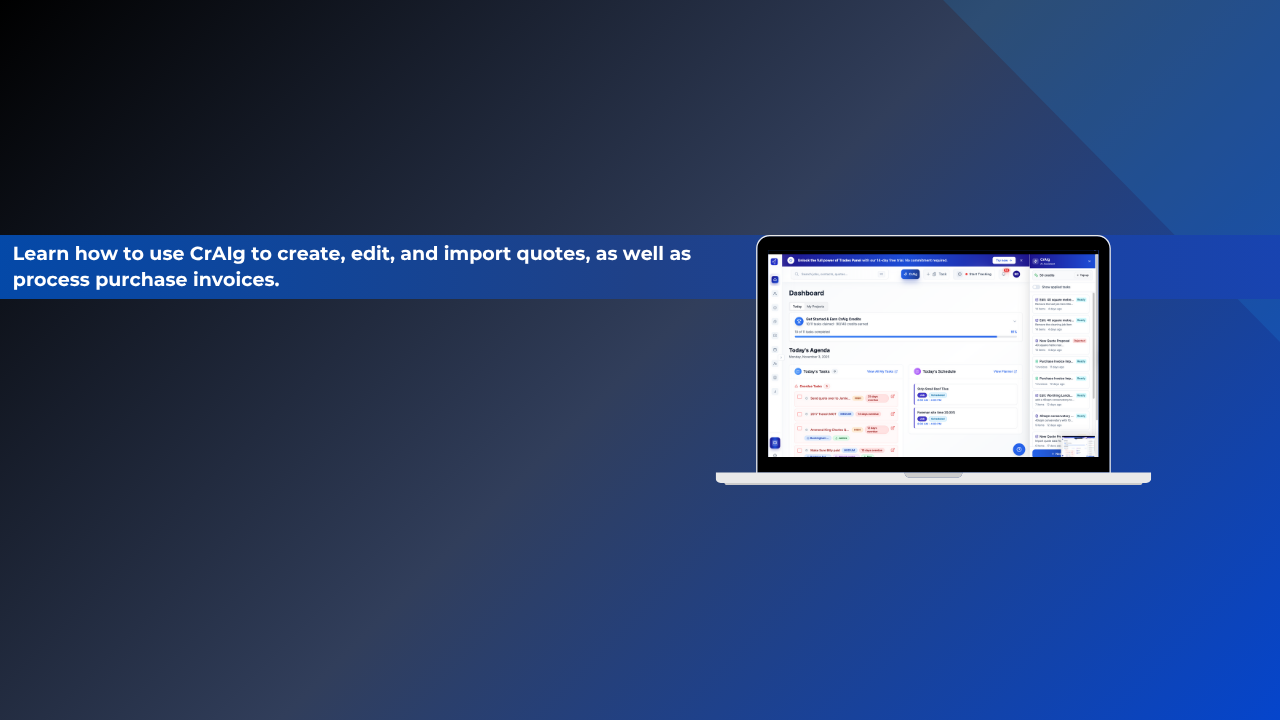
How to Use CrAIg in Trades Panel
In this Trades Panel walkthrough, you’ll learn how to use Craig, your built-in AI assistant for creating, editing, and importing quotes. As well as processing purchase invoices with speed and accuracy.
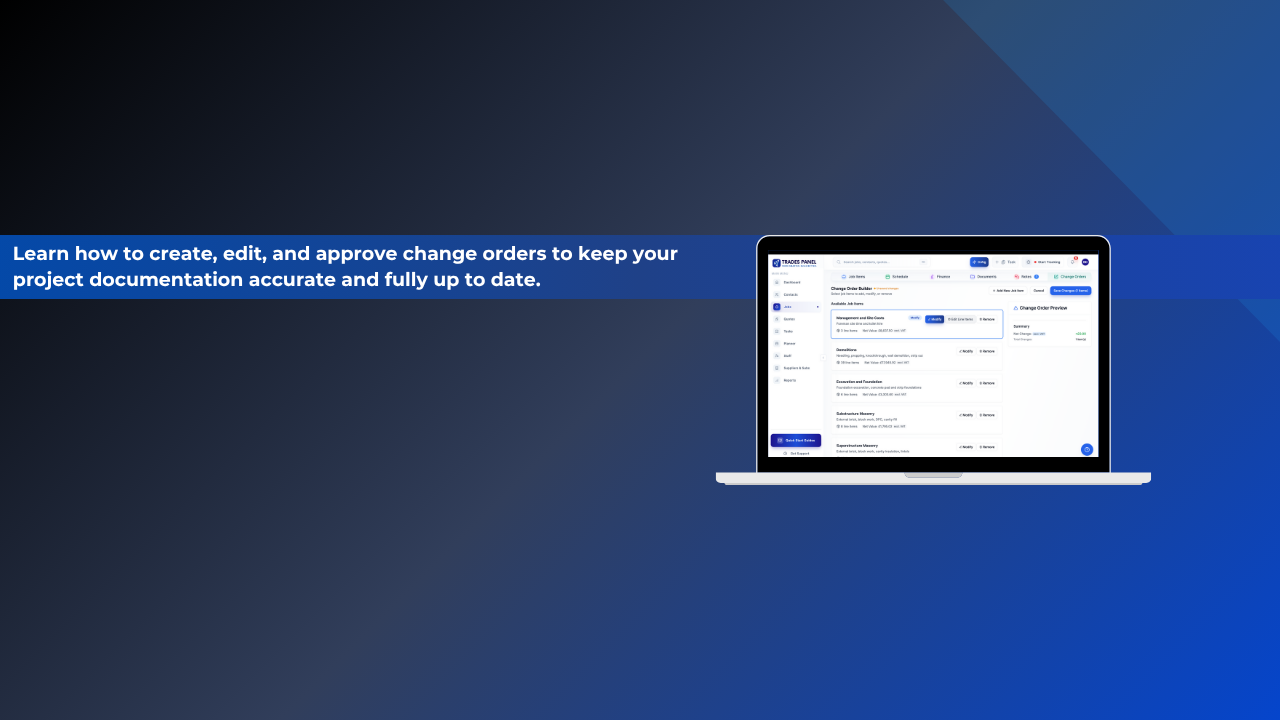
Managing Change Orders in Trades Panel
In this Trades Panel walkthrough, you’ll learn how to create, edit, and manage Change Orders. The tool that keeps your job updates accurate, documented, and fully authorised.
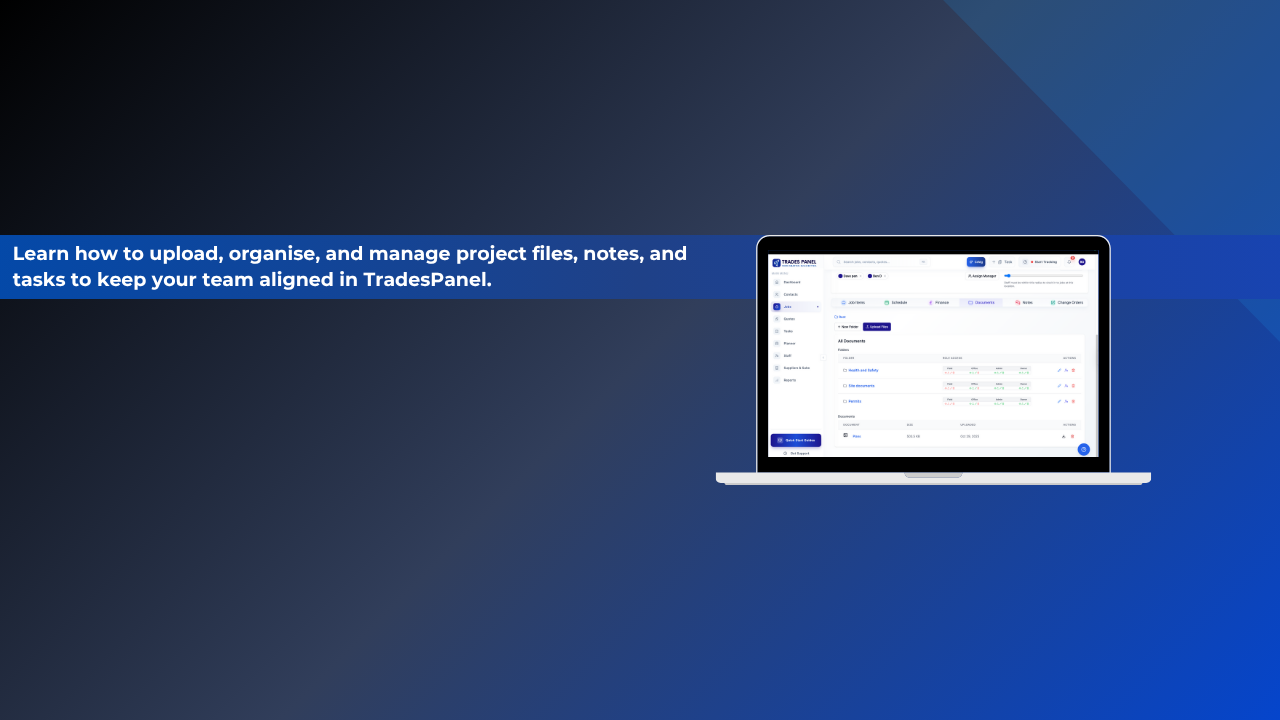
Job Documentation and Notes
In this Trades Panel walkthrough, you’ll learn how to manage all your job-related documents and notes in one organised place. This video shows how to upload files, set permissions, create notes, and even turn them into actionable tasks.
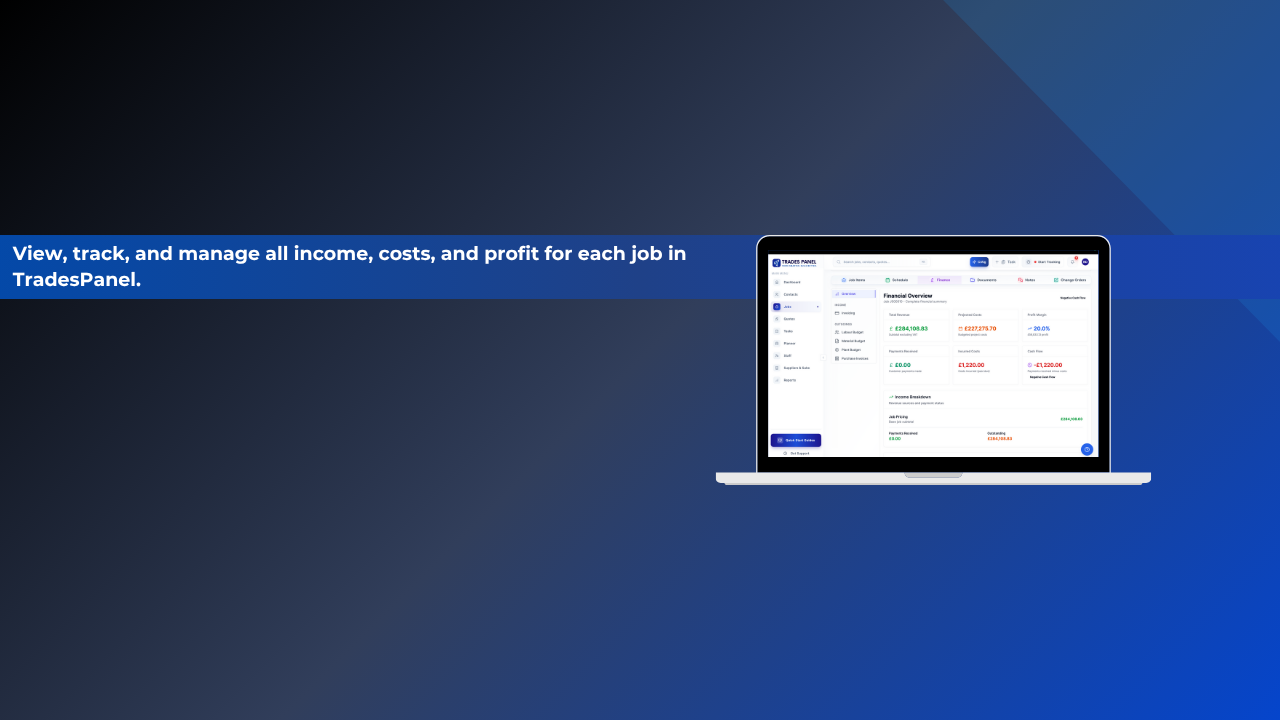
Understanding the Finance Tab
In this short Trades Panel walkthrough, you’ll learn how to use the Finance tab to monitor your project’s overall financial performance.
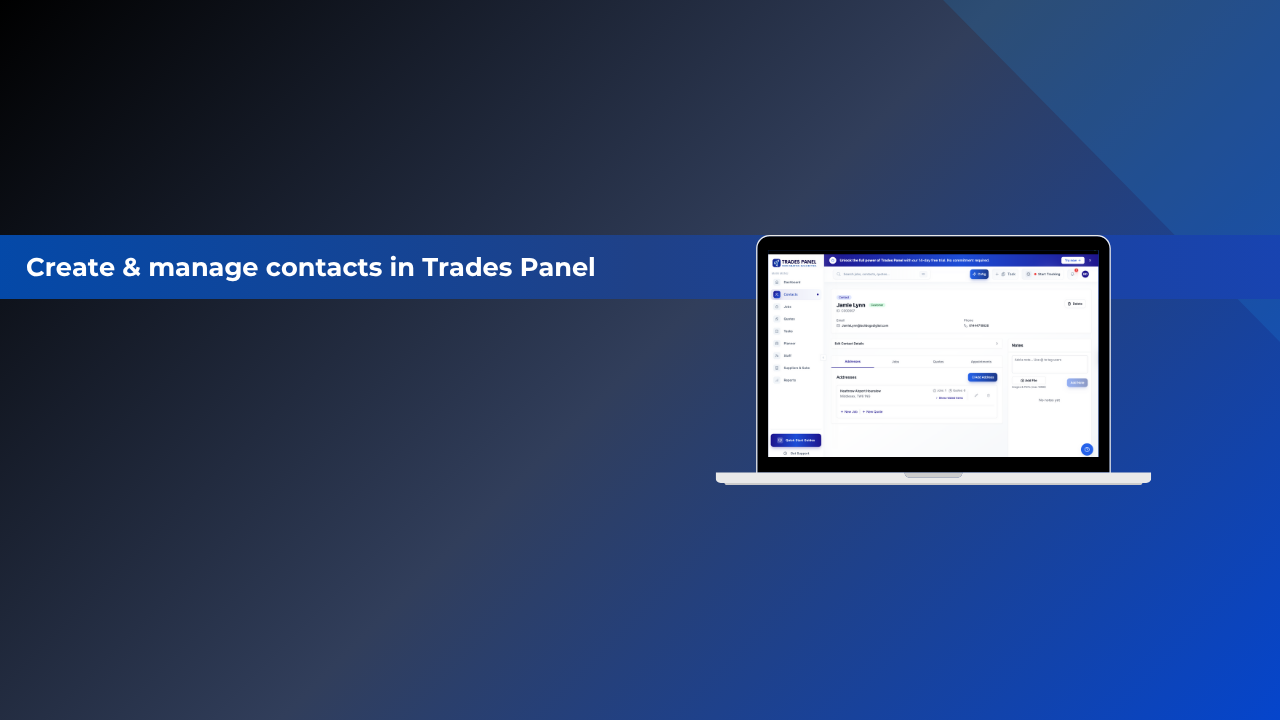
Contacts Management
Contacts Management in Trades Panel allows you to create and maintain detailed customer records. You can store essential contact details, manage multiple addresses, schedule appointments, add notes, and edit information whenever needed - keeping your customer database organised and up to date.
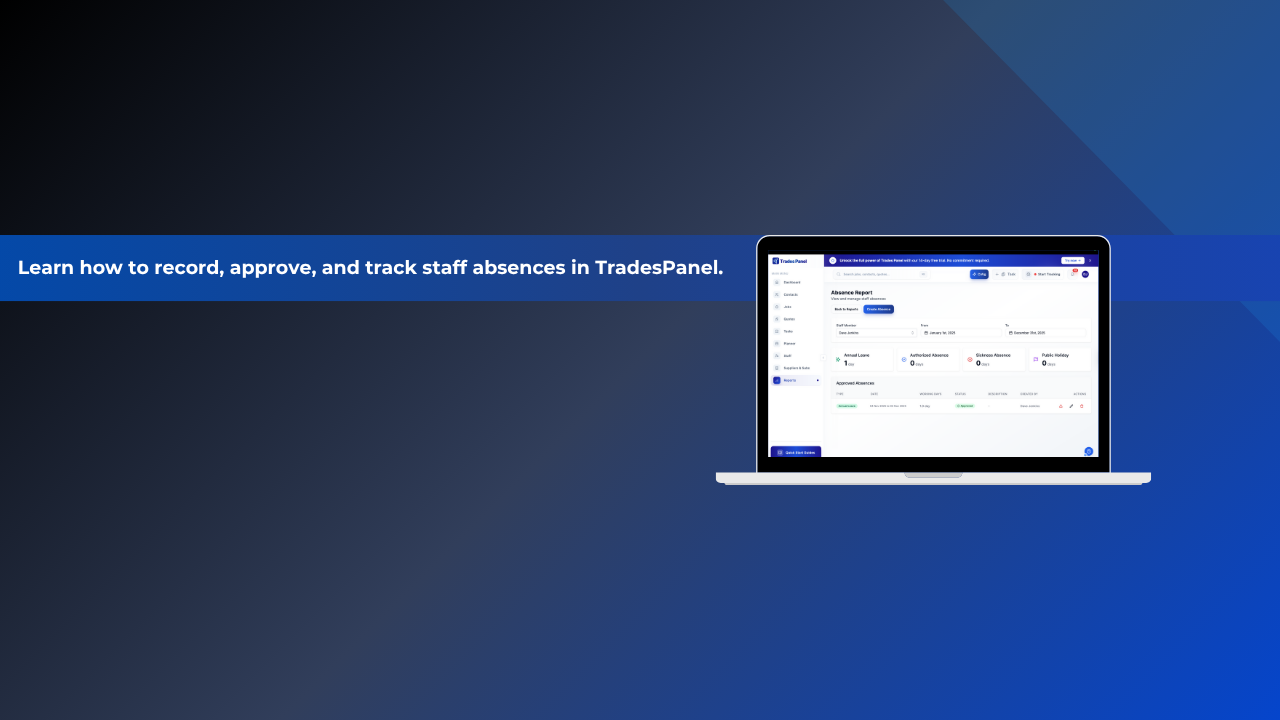
Staff Absence
In this Trades Panel walkthrough, we’ll show you how to manage staff absences, including annual leave, sickness, and authorised time off. All from one central dashboard.
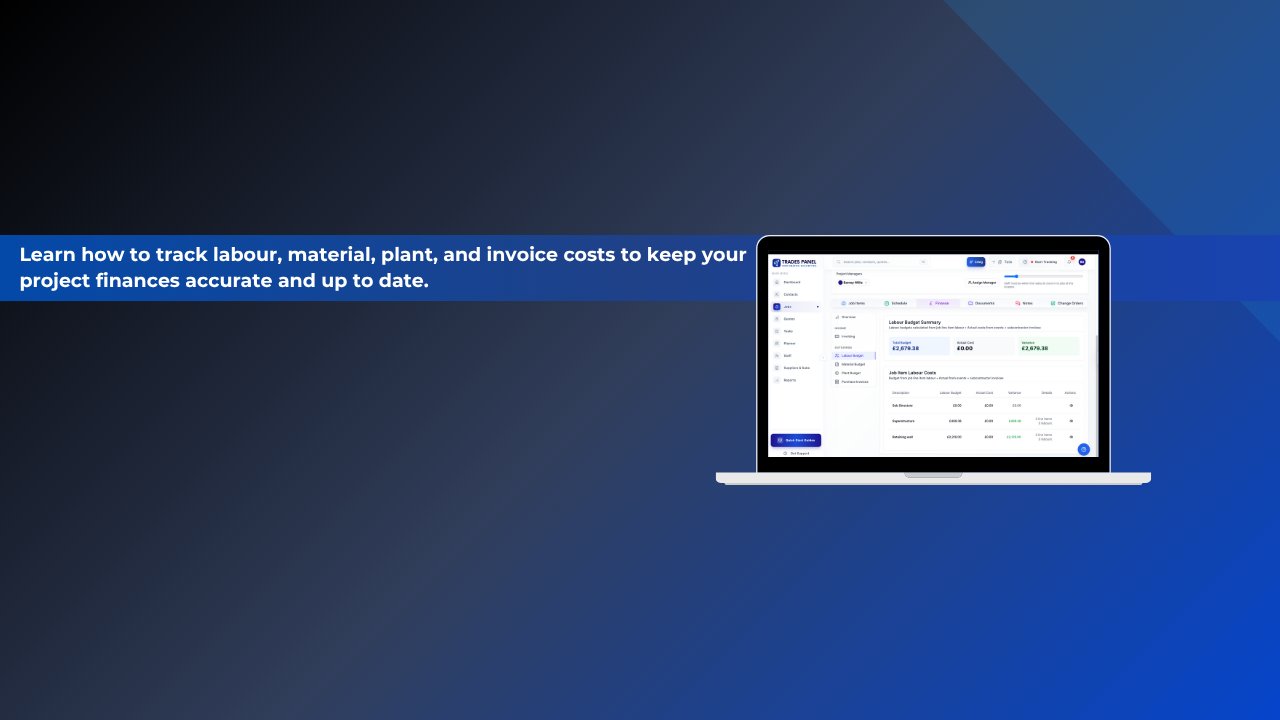
Outgoings Tab
In this walkthrough, we’ll guide you through the Outgoings Tab in Trades Panel. Your central hub for tracking project costs and keeping budgets on target.
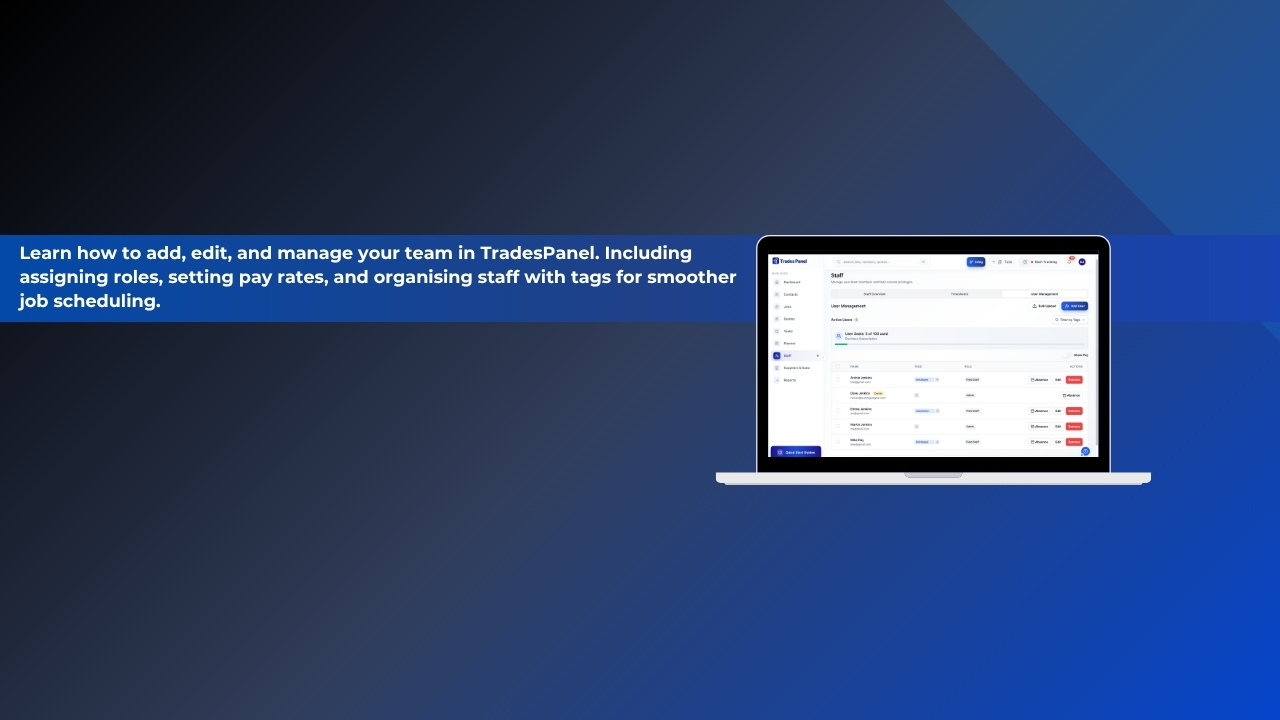
Adding and Managing Staff
In this short walkthrough, you’ll learn how to use the User Management section in Trades Panel to organise and manage your workforce efficiently. Discover how to add and edit users, assign roles, create tags, and keep your team structure up to date.
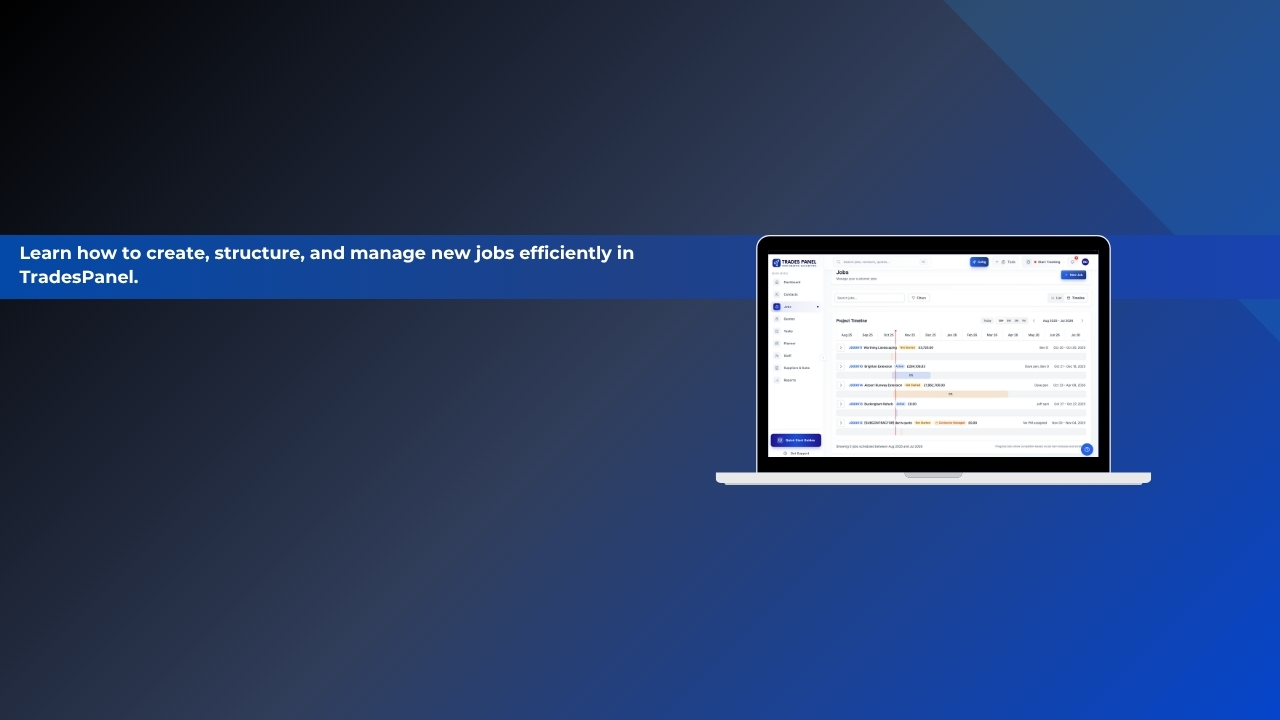
Job Management
In this Trades Panel walkthrough, you’ll learn how to create and manage jobs from start to finish. This video covers everything from setting job details and assigning project managers to adding job items, line items, and presets for efficient setup.
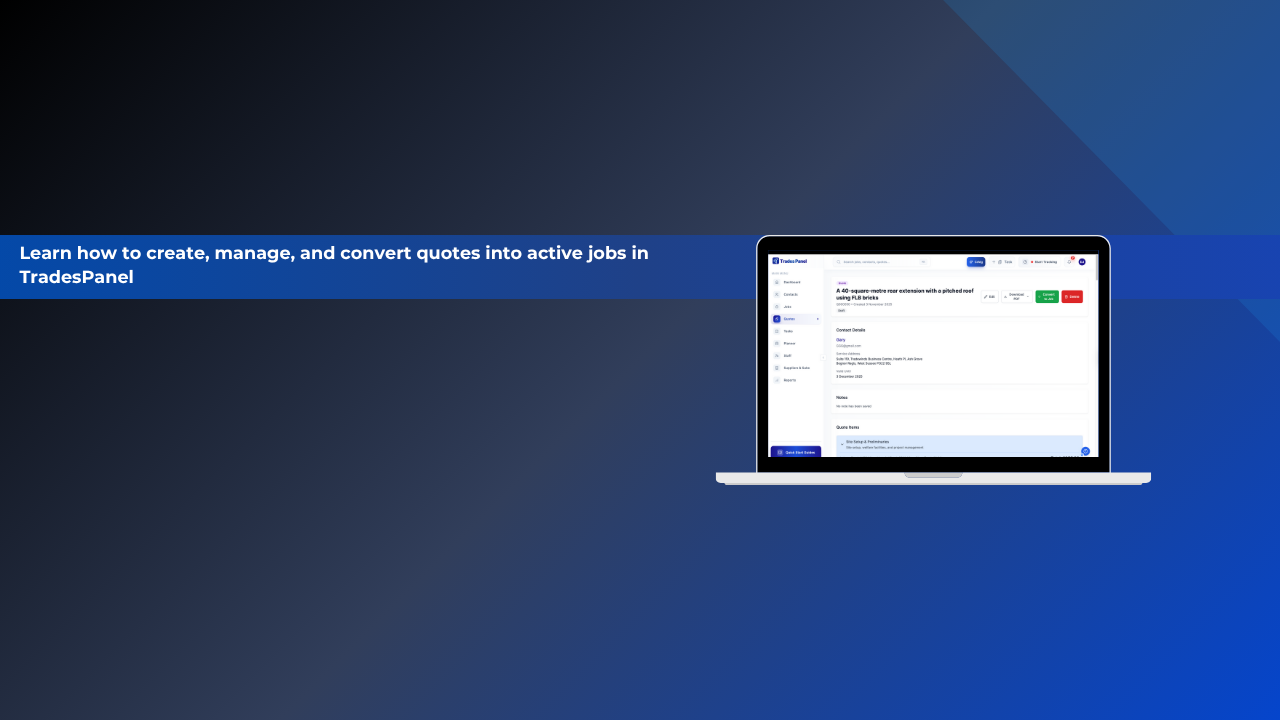
Quote Creation
In this Trades Panel walkthrough, you’ll learn how to create, upload, and manage quotes efficiently, either manually or using CrAIg, Trades Panel’s built-in AI assistant. This guide shows you how to build accurate quotes, customise them, and quickly convert them into live jobs once approved.
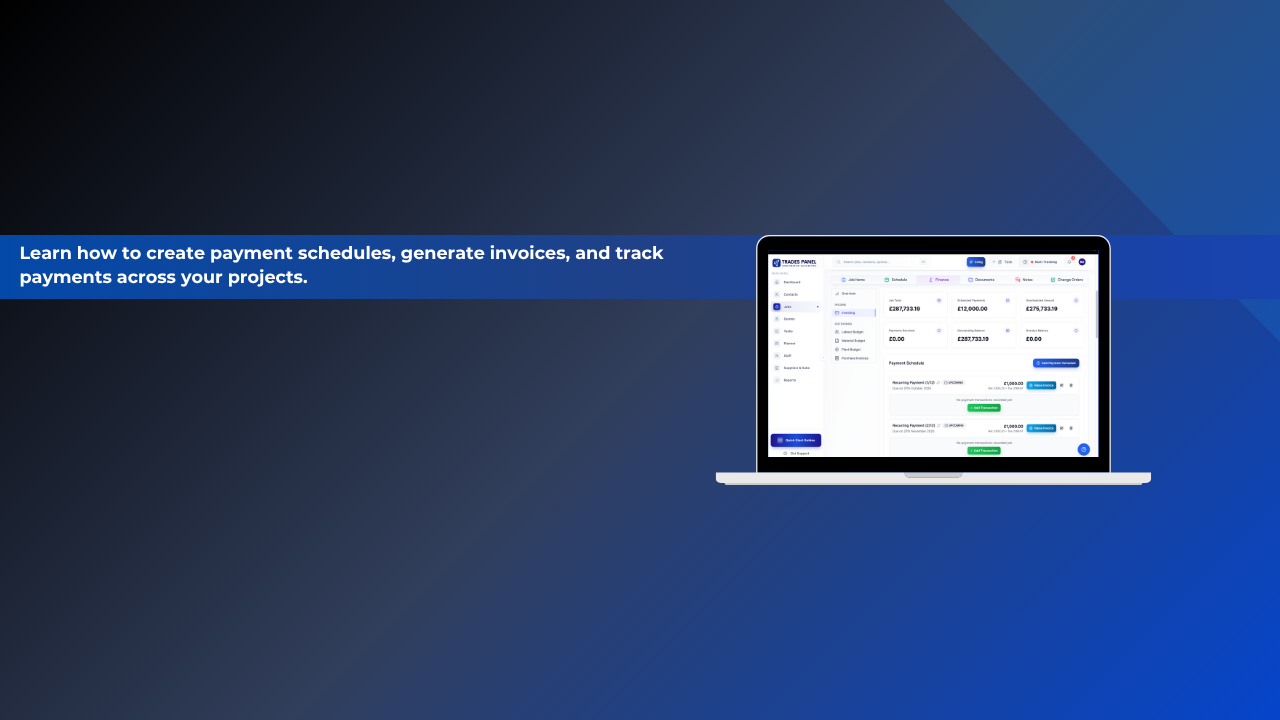
Payment Schedules & Invoicing
In this Trades Panel walkthrough, you’ll learn how to manage invoices, payment schedules, and transactions within your projects. The Invoicing Tab makes it easy to stay on top of financials, track payments, and manage both one-off and recurring billing, all in one place.