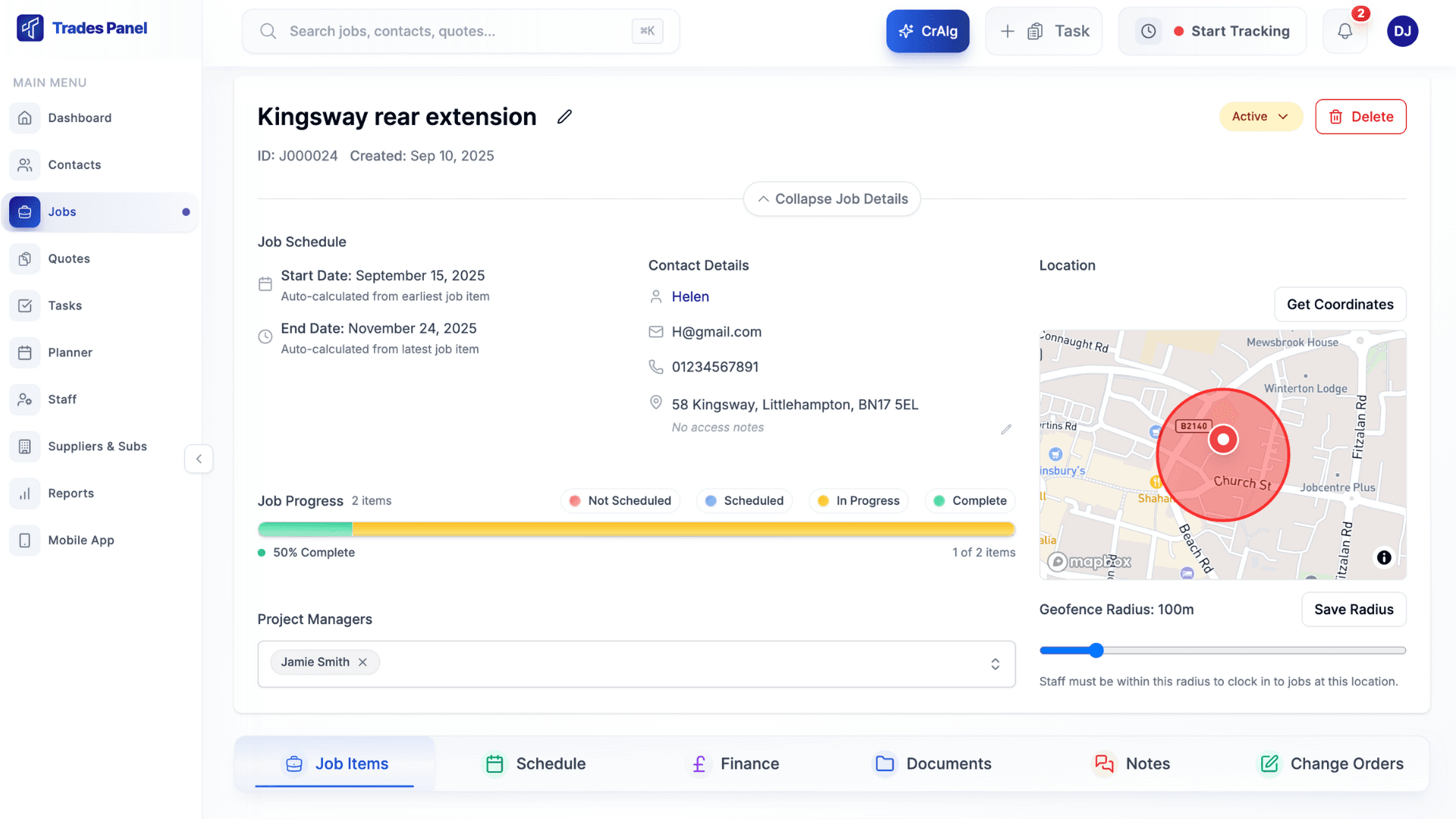
Run Your Jobs From Claude
In Plain English
Connect Claude, the AI assistant made by Anthropic, to your Trades Panel account. Ask how a job is doing, turn your notes into a draft quote, book a supplier invoice or set a task, without opening a single screen.
Included on Crew, Business and Pro, and in every free trial.
Just Ask
No menus to learn. Type or say what you need the way you would to someone in the office, and Claude does it in Trades Panel.
“Which quotes are still waiting on the customer, and how much are they worth?”
Claude searches your quotes and lists the ones still out, with their totals.
“How is the Harris extension doing against budget?”
Claude reads the same budget, incurred and committed figures as the job's Finance tab and tells you where it stands.
“Here is the merchant invoice for the Harris job. Book it.”
Claude reads the PDF, finds the supplier and the job, and books the purchase invoice against the job's costs.
“Quote the Patel loft from these notes. Labour at £28 an hour, 10% on materials.”
Claude builds a draft quote with the sections and lines from your notes. You check it and send it from Trades Panel.
“Remind Dan to order the skip for Monday on the Smith job.”
Claude creates the task, assigns it to Dan and sets the due date. Dan gets the notification.
“What have we got booked in next week?”
Claude reads the diary and lists the appointments for each day.
What Claude Can Do in Trades Panel
Ask About Any Job
Find jobs, quotes, invoices, contacts and tasks by name, number or customer, and get the answer back in plain English instead of clicking through screens.
Draft Quotes From Your Notes
Paste your site notes or a price list and Claude builds a draft quote with items, labour, materials and plant. Totals are calculated by Trades Panel, never by Claude.
Book Supplier Invoices
Drop a supplier or subcontractor invoice into Claude and ask it to book it against the job. If the totals do not match the invoice, nothing is saved.
Tasks and Follow-Ups
Create a task, assign it to the right person and set a due date in one sentence. The people you assign are notified on their phones, as they would be from Trades Panel.
Dates and Appointments
See what is booked in for the day or the week, and move a job's planned start and finish when the programme slips, on jobs planned at job level.
Contacts and Site Details
Add a new customer from an email signature, update an address, or pull up the site access notes before you set off.
Powerful, and Kept on a Short Lead
Get answers from the van or the sofa - Claude works on your phone as well as your computer
Stop retyping - turn notes, emails and PDFs straight into quotes, contacts and costs
It is your data, your rules - Claude sees only what you can see and saves changes under your name
It cannot delete a job, quote, contact or invoice, and it cannot message your customers
Uses none of your CrAIg credits - it runs on your own Claude account
Disconnect any time from Settings in Trades Panel
Connect in Three Steps
- 1
Add the connector in Claude
In Claude's settings, open Connectors, add a custom connector and paste https://www.tradespanel.com/api/mcp as the URL.
- 2
Sign in to Trades Panel
Click Connect. Trades Panel asks you to sign in, then shows exactly which account Claude will reach and what it can do.
- 3
Click Allow and start asking
You are sent back to Claude, connected. Ask about your jobs in plain English, on the web or in the Claude app.
The account owner can connect, and so can any admin the owner switches on. Full steps are in Connect Claude to Trades Panel.
Frequently Asked Questions
Everything you need to know.
Trades Panel Does Much More
Discover all the powerful features that help trade businesses run more efficiently.
Scheduling
Visual calendar views and drag-and-drop staff scheduling
Time Tracking
Mobile clock in/out with GPS verification
Project Management
Track jobs, assign staff, and monitor progress
Financials
Invoicing, payment tracking, and expense management
Estimates
Create professional quotes and convert to jobs
Documents
Store, organize, and share project files
Quoting
Create professional quotes and convert to invoices
Invoicing
Simple invoicing with scheduled payments and tracking
Job Management
Track every job from start to finish with cost control
Purchase Orders
Create and track purchase orders for materials
Reporting
Business dashboards, job costing, and financial reports
& Much More
Explore all features and start your free trial today.
Claude Connector Resources
Ready to Ask Claude About Your Jobs?
Start a free trial of Crew, Business or Pro and connect Claude to your account in three steps.
Simple Pricing, No Surprises
Three plans to pick from, and every one starts with a 14-day free trial. Change plan or cancel whenever you need to.
Crew
The full platform, for a team of up to 3
- Unlimited jobs & quotes
- 3 User seats
- Invoicing & payments
- Geofencing time tracking
- Document management
- 100 AI credits
- Claude connector
Business
The full platform, for a team of up to 10
- Unlimited jobs & quotes
- 10 User seats
- Invoicing & payments
- Geofencing time tracking
- Document management
- 100 AI credits
- Claude connector
Pro
The full platform, with no cap on team size
- Unlimited jobs & quotes
- Unlimited User seats
- Invoicing & payments
- Geofencing time tracking
- Document management
- 100 AI credits
- Claude connector